
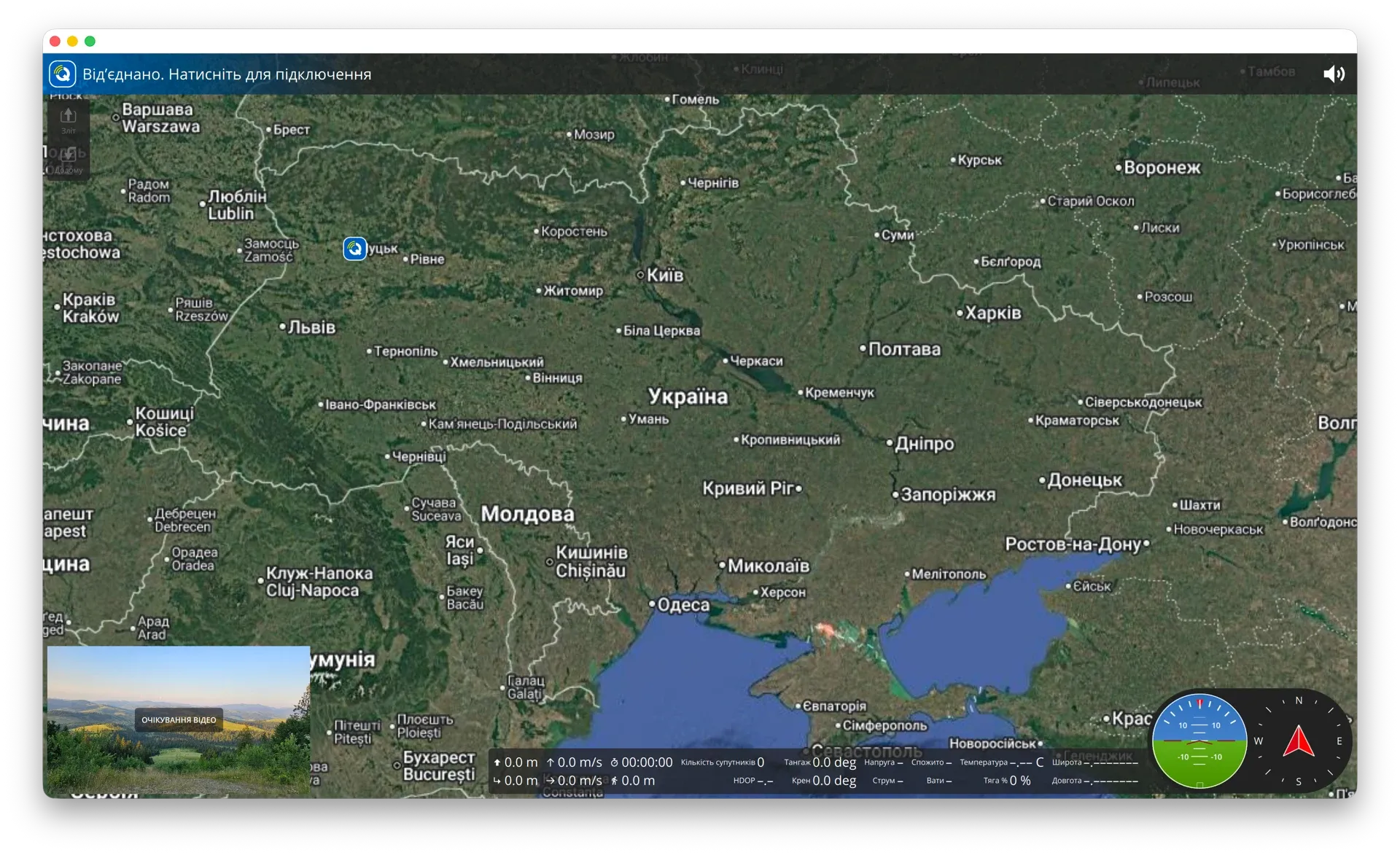
Screenshot: sign-in screen
Repix
Accounts & organizations
Sign in to the cloud service with 2FA; the token lives in the system Keychain. Sessions restore on launch and permissions come from live organization roles.

A custom fork of QGroundControl
QGC Conky Mod is a QGroundControl fork with the Repix cloud module, an onboard file browser, EKF and vibration monitoring, auto-updates, and Ukrainian as the default language.
How it differs from stock QGC
The conky-mod branch is 110 commits ahead of master: four new modules — Repix, Onboard Files, EKF/Vibe and AppUpdate — plus Ukrainian by default and its own branding.
Sign in to the cloud service with 2FA; the token lives in the system Keychain. Sessions restore on launch and permissions come from live organization roles.
A live list of online terminals, one click to connect. One operator commands at a time: take/release with confirmation, joystick sends 32 channels over CRSF.
A virtual UDP channel: QGC sees the remote vehicle as an ordinary one. Video arrives over RTSP with a token, and tokenized URLs are masked in the logs.
An onboard storage browser over MAVLink FTP: directory tree, download logs to the PC, upload missions to the vehicle, recursive delete.
EKF and vibration panels on the Fly View instrument strip: warnings on an uninitialized EKF, configurable alert thresholds, drag-and-drop and pinning.
A Velopack-based module on its own channel, separate from upstream QGC: release checks, background download, updates without reinstalling.
The app starts in Ukrainian: flight, planning, settings, calibration, TTS voice prompts and ArduPilot arming failure reasons. Terminology follows a maintained glossary.
Dragging the gimbal controls rate, not angle: the further the finger from centre, the faster it slews. A dead zone near centre and a firm stop on release.
Own name, icons and settings directory — no conflict with upstream QGC. Plane and rover presets, telemetry presets, a mute indicator and a vehicle disconnect button.
Downloads
Public builds for desktop platforms. Auto-update via Velopack on a dedicated channel — install once, the app keeps itself current.
After installing, see connection setup.